


 Candice Tillman
As an IT director rolling out Salesforce to 3,000 users in 90 days with zero productivity loss expected, the choice of adoption tool becomes critical. The wrong one can lead to endless support tickets, ineffective training, and employee resentment.
Success in big system implementations depends far more on user adoption than on the software itself. We evaluated 11 digital adoption platforms based on in-app guidance, integration with enterprise systems like Salesforce, Oracle, NetSuite, SAP, and Workday, analytics capabilities, and change management support.
Some tools let you automate documentation with minimal setup. Others require more configuration but deliver powerful cross-app insights. With tight deadlines and limited patience, picking the right fit makes all the difference.
Quick Comparison
Scan this table to match platform capabilities against your implementation complexity and business systems.
| Firm | Platform Type | Best For | Key Strength | Enterprise Systems Supported | Deployment Complexity |
| Tango | Automatic documentation | Teams needing instant workflow capture | Zero-integration screenshot-based guides | Web-based applications (thousands) | Minimal setup |
| WalkMe™ | Enterprise adoption platform | Large-scale software rollouts | Cross-application workflow automation | Salesforce, Workday, SAP, ServiceNow, Dynamics 365 | Complex integration |
| Whatfix | AI-powered guidance | Context-aware in-app assistance | ScreenSense contextual triggering | CRM, ERP, HCM, procurement platforms | Moderate integration |
| Stonly | Interactive knowledge platform | Complex multi-step processes | Decision-tree adaptive workflows | Support and CRM systems | Low to moderate |
| Pendo | Analytics-driven adoption | Connecting usage to business outcomes | Session replay and journey analysis | Digital transformation platforms | Moderate integration |
| Appcues | Personalized onboarding | Multi-channel feature adoption | AI-powered behavioral targeting | Product and growth tools | Low integration |
| Spekit | Revenue enablement | Sales and GTM teams | AI coaching in workflow | Revenue operations systems | Moderate setup |
| Guidde | AI video documentation | Rapid visual training creation | Auto-generated professional video guides | Software implementation platforms | Minimal setup |
| Loom | Video communication | Async training and documentation | AI transcription and summaries | Collaboration and productivity tools | Minimal setup |
| Confluence | Collaborative wiki | Team knowledge management | Real-time collaborative editing | Atlassian ecosystem integration | Low to moderate |
| Trainual | Structured training | Role-based employee onboarding | SOP management with training paths | Operations and alignment tools | Moderate setup |
Top 11 Digital Adoption Platforms
Digital adoption platforms now combine guidance, analytics, and automation. Offerings range from simple Chrome extensions to enterprise solutions. Use cases include employee onboarding and customer-facing tours. Implementation can take hours or months.
Choose based on your technical resources, software complexity, and desired timeline for behavioral change.
Tango
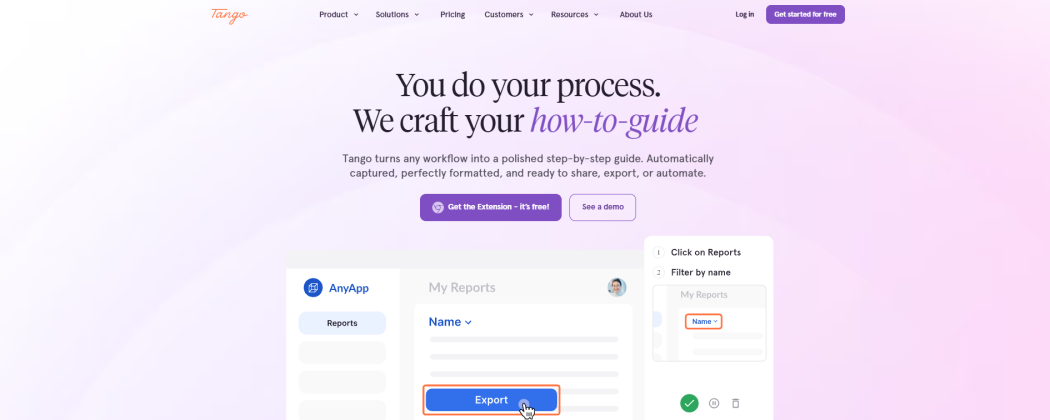
Tango captures your workflows as you go and instantly turns them into polished documentation. No integrations, no manual edits, no headaches getting it deployed.
Since its launch in 2020, the platform has supported thousands of web applications with zero setup or system access required. It’s one of the quickest ways to move from rollout to actual usable guides.
Their Tango Nuggets feature delivers in-app tooltips and step-by-step walkthroughs directly inside the workflows employees are working on. This keeps learning in context instead of forcing everyone into separate training sessions.
It handles big projects smoothly. The 4.7 average rating comes from how fast teams can produce documentation during rushed implementations—think needing 200 guides for a new Workday or Oracle system by the end of the week. Automatic capture eliminates the usual bottleneck. While pricing isn’t shown on the site, the no-integration model means IT doesn’t have to get involved early, so adoption teams can start creating content immediately.
Pros:
- Fast setup with no integrations or implementation required
- Supports branching workflows for complex Salesforce, Oracle, and NetSuite processes
- One subscription works across multiple systems, including CRM, ERP, HRIS, and payroll platforms
Cons:
- Desktop application capture is less polished than browser-based capture
- Limited standalone video export with captions
- Enterprise features require a minimum seat commitment for smaller teams
WalkMe
WalkMe stands out as an enterprise-grade digital adoption platform for organizations implementing complex systems across thousands of users. Since its founding in 2011, it has led the way in large-scale rollouts and change management.
It supports key systems including Salesforce, Workday, SAP, ServiceNow, and Microsoft Dynamics 365. The platform delivers in-app guidance, automation, and analytics without needing backend integrations.
This combination helps employees complete actual tasks while learning, which noticeably reduces support tickets in the critical post-launch period.
Pros:
- Enterprise-grade digital adoption platform with robust in-app guidance
- Strong workflow automation and change management capabilities
- Detailed adoption, usage, and workflow analytics
Cons:
- Complex implementation and administration
- Premium pricing can be difficult for smaller organizations
Whatfix
Whatfix uses AI to deliver timely guidance inside your actual workflows. Its ScreenSense feature reads what you’re doing in real time and offers the right help—walkthroughs, tooltips, or task lists—exactly when you hit a tricky spot.
The company, founded in 2013, pioneered “Userization”: the belief that software should adapt to users, not force users to adapt to it.
This approach works especially well in complex environments. It supports major platforms like Salesforce, Workday, and SAP, and combines guidance, onboarding, and analytics all in one place. Teams can easily measure where adoption is lagging and push targeted support without juggling extra tools.
It’s ideal for enterprises looking for smart, context-aware assistance rather than basic tutorials.
Pros:
- Excellent employee onboarding and software adoption features
- Strong support for ERP, CRM, and enterprise applications
- Combines guidance, self-service support, and analytics
Cons:
- Requires ongoing content maintenance
- Advanced features may take time to configure effectively
Stonly
Founded in 2018 as a knowledge management and interactive guidance platform, Stonly excels where enterprise processes branch into multiple decision paths. Decision-tree workflows adapt to user inputs and specific situations, guiding employees through complex approval chains, exception handling, and conditional logic that static documentation can’t address. Teams rolling out procurement systems, multi-tier approval workflows, or compliance-heavy processes get contextual paths instead of one-size-fits-all tutorials.
The platform combines knowledge bases, interactive guides, and AI-powered assistance in a single deployment. It integrates with major support and CRM systems, surfacing relevant decision trees inside existing workflows without forcing users to switch tabs or search separate help centers.
When implementation success depends on navigating conditional logic rather than just completing linear steps, Stonly delivers the adaptive guidance that reduces support escalations and accelerates time-to-competency across distributed teams.
Pros:
- Interactive decision trees and guided troubleshooting
- Strong self-service and support use cases
- Easy-to-create knowledge experiences
Cons:
- More customer support-focused than software adoption-focused
- Limited analytics compared to dedicated digital adoption platforms
Pendo
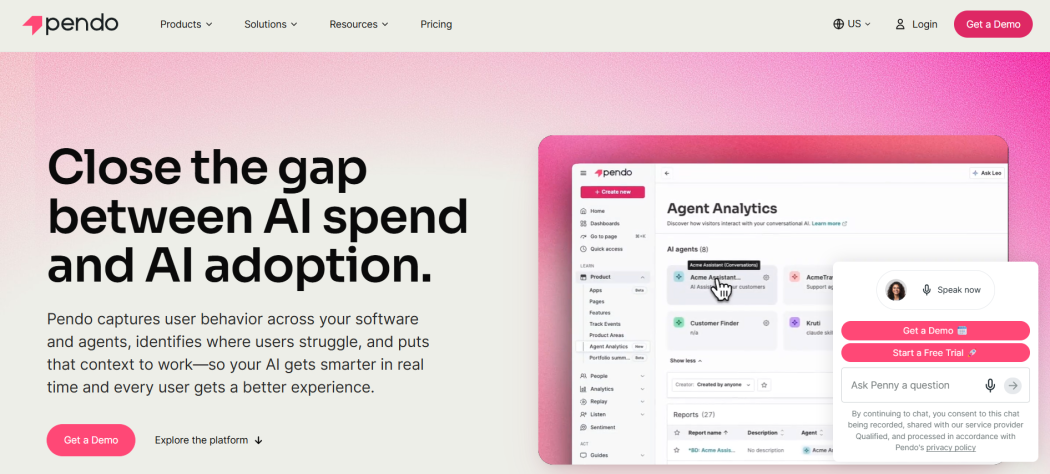
Founded in 2013, Pendo connects product usage data directly to adoption outcomes—measuring not just clicks, but whether employees actually complete workflows faster after implementation.
The platform combines session replay, user journey analysis, and in-app guidance in a single interface, letting change management teams see exactly where rollouts stall and deploy contextual help at those friction points. Organizations rolling out new ERP, CRM, or HCM systems use Pendo to track feature adoption across departments, identify power users versus stragglers, and tie training interventions to measurable productivity gains.
The analytics engine surfaces behavioral patterns that most adoption tools miss. Instead of guessing why support tickets spike three weeks post-launch, you watch session replays showing employees abandoning a five-step approval workflow at step three, then push targeted walkthroughs to that cohort.
Pendo’s strength is turning adoption measurement into a closed-loop system where usage data informs guidance strategy, guidance improves usage, and both feed into business outcome dashboards that executives actually trust.
Pros:
- Powerful product and adoption analytics
- Strong user behavior and engagement insights
- Effective in-app onboarding and guidance capabilities
Cons:
- Less focused on knowledge management and SOP creation
- Advanced reporting can require dedicated platform ownership
Appcues
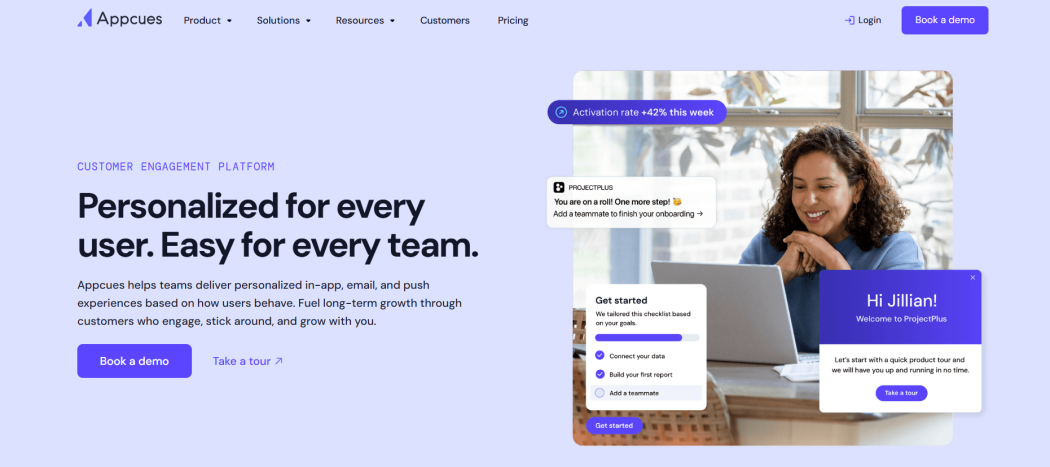
Appcues started back in 2013 and mainly serves product and growth teams rolling out new features. The AI personalizes onboarding flows depending on what users do and how far along they are — so a brand-new user gets different help than someone who’s been around for a while.
You can reach people through in-app guidance, email, or push notifications. This flexibility comes in handy when you need consistent messaging outside the main application.
It’s a good match for product-led initiatives and ongoing improvements rather than massive IT-driven ERP projects. If your team already works with product analytics, the targeting will feel familiar. Keep in mind it focuses on depth within a single app and isn’t the best choice for complicated processes that cross Salesforce, Workday, and SAP.
Pros:
- Easy-to-build onboarding and feature adoption experiences
- Strong personalization and behavioral targeting
- No-code implementation for product teams
Cons:
- Designed primarily for SaaS products rather than enterprise rollouts
- Limited documentation and knowledge management capabilities
Spekit
Founded in 2018, Spekit positions itself as a revenue enablement and knowledge management platform built for organizations where sales velocity depends on instant access to process guidance.
The platform delivers AI-powered coaching and personalized content recommendations directly within the tools reps already use—no tab-switching, no hunting through Confluence pages during live calls.
What sets Spekit apart is embedded guidance within employee workflows without system switching, meaning contextual help surfaces exactly when needed rather than requiring users to pause and search. Designed for sales, enablement, and go-to-market teams, it excels at reducing ramp time for new hires and maintaining consistency across distributed revenue organizations. The AI engine learns which content drives outcomes and surfaces it proactively.
Pros:
- Delivers guidance directly within employee workflows
- Strong knowledge management and onboarding support
- AI-powered content recommendations and coaching
Cons:
- Primarily designed for revenue and sales teams
- Less suitable for large-scale operational transformations
Guidde
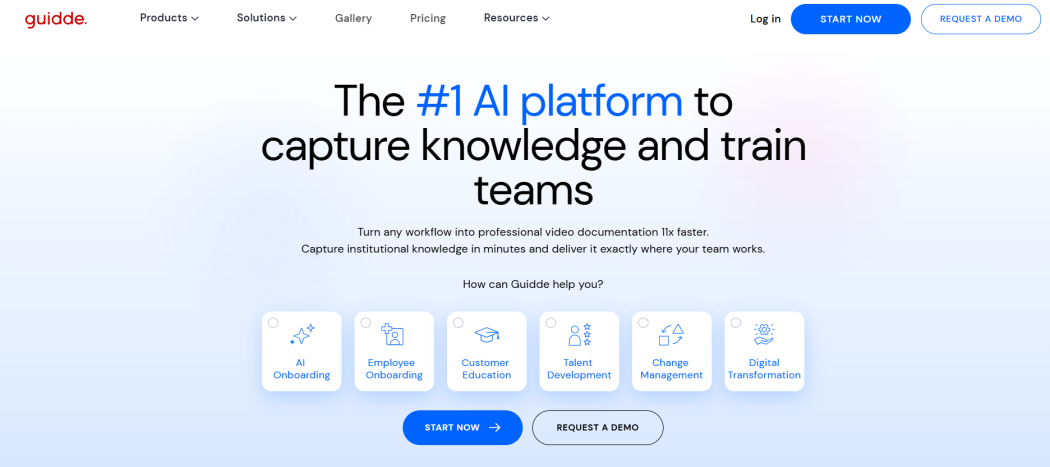
Guidde started in 2020 and basically invented the AI-powered Digital Adoption Platform. It addresses something many enterprises overlook — how hard it is to create documentation quickly enough during system rollouts.
You simply walk through a process on your screen, and Guidde turns it into a clean, professional video with natural AI narration, captions, and callouts. Creation time drops from hours to minutes. No extra equipment or editing skills needed.
The platform shines during big software implementations and change initiatives. It gets training materials into employees’ hands faster and right inside the tools they use. While you focus on accurate workflows, the AI takes care of the video production side.
Pros:
- Quickly creates AI-generated video documentation
- Excellent for onboarding and knowledge transfer
- Supports multilingual training content
Cons:
- Limited workflow analytics and adoption reporting
- Video-first format may not suit every documentation workflow
Loom
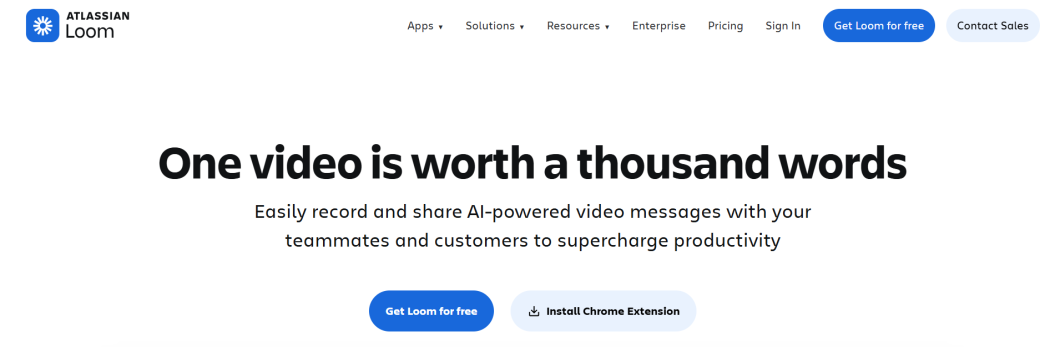
Founded in 2015, Loom started as an AI-powered video communication platform and evolved into a documentation tool for enterprise rollouts.
It generates transcripts, summaries, and written documentation from videos automatically—turning screen recordings into searchable knowledge assets. Screen, camera, and combined recording modes let trainers capture workflows from any angle. Integrates with collaboration and productivity tools teams already use.
Best for rapid training content creation during system launches. Teams record once, share instantly. AI handles the transcript and summary work. Lacks deep integrations with Salesforce, Workday, or SAP—you’re creating standalone videos, not embedding guidance inside enterprise platforms. No usage tracking or adoption metrics to measure whether employees actually watch or apply the content.
Pros:
- Extremely easy video recording and sharing
- Great for training, walkthroughs, and async communication
- AI-generated transcripts and documentation summaries
Cons:
- Not a dedicated software adoption platform
- Lacks structured onboarding and in-app guidance capabilities
Confluence
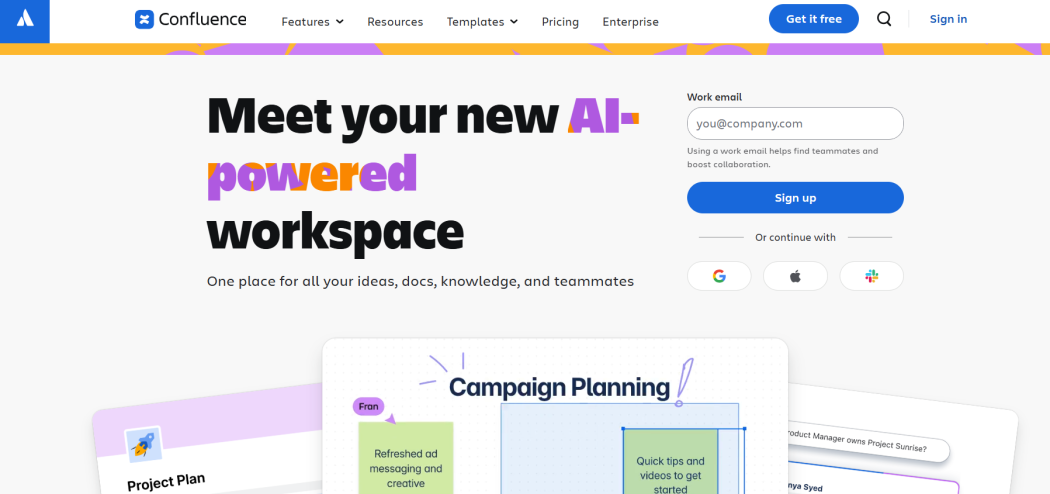
Confluence serves organizations that need a central repository for implementation documentation and team knowledge. Founded in 2002, this established knowledge management platform by Atlassian handles the documentation side of adoption—not the in-app guidance most enterprises need during system rollouts.
Collaborative editing and real-time content updates let teams build SOPs and training materials together, while AI-powered search and knowledge discovery help employees find answers after they’ve left the application.
It works best as a companion to dedicated adoption platforms. Templates for SOPs, project plans, and implementation documentation accelerate content creation, but Confluence won’t walk users through Salesforce workflows or trigger contextual help inside Oracle. No native in-app guidance layer means you’re building a library, not delivering moment-of-need support. Strong for documentation. Weak for real-time adoption.
Pros:
- Powerful knowledge management and documentation platform
- Excellent collaboration and content organization features
- Extensive integrations with business tools
Cons:
- Content can become difficult to maintain at scale
- No built-in in-app guidance or adoption workflows
Trainual
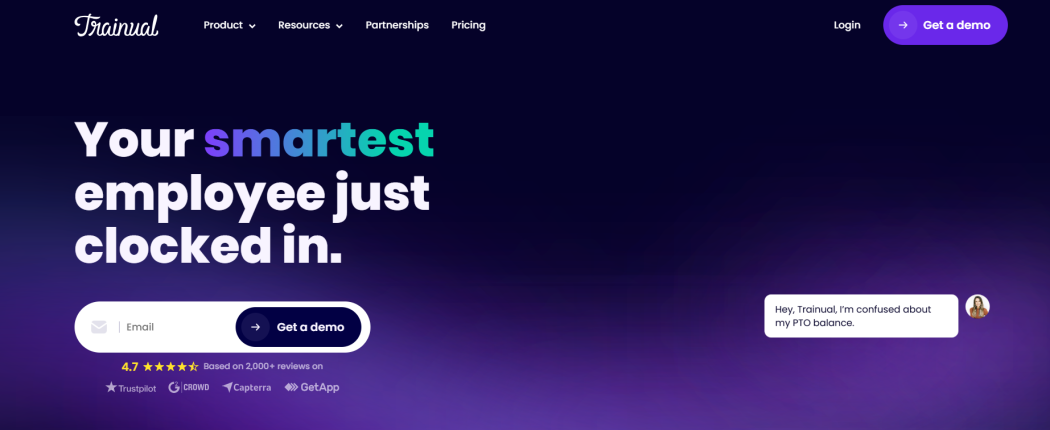
Trainual combines training, knowledge sharing, and operations into a single, easy-to-use platform.
Its real strength lies in structured onboarding. Role-specific paths and detailed SOPs it helps organizations maintain consistency—especially when launching large-scale systems.
It goes further, too. You’ll find tools for meetings, goal setting, scorecards, and team alignment. This setup makes it straightforward to create scalable curricula that walk people through complex workflows, whether they’re across departments or spread out geographically.
Pros:
- Strong onboarding, SOP, and training management capabilities
- Role-based learning paths and compliance tracking
- Centralizes operational knowledge and responsibilities
Cons:
- Limited in-app guidance compared to DAP platforms
- Better suited for training management than software adoption initiatives
How to Choose the Right Digital Adoption Platform
Consider your rollout timeline and scale first. Smaller projects with a few hundred users can work well with lighter tools like Tango or Guidde. Big enterprise rollouts across Salesforce, SAP, Workday, and thousands of users usually require stronger platforms like WalkMe or Whatfix that coordinate across systems and demonstrate real business impact.
Evaluate setup effort against analytics depth, fit for your main challenges, and the strength of its metrics — especially productivity and support ticket improvements. Request a complete trial with full analytics to see the real value.